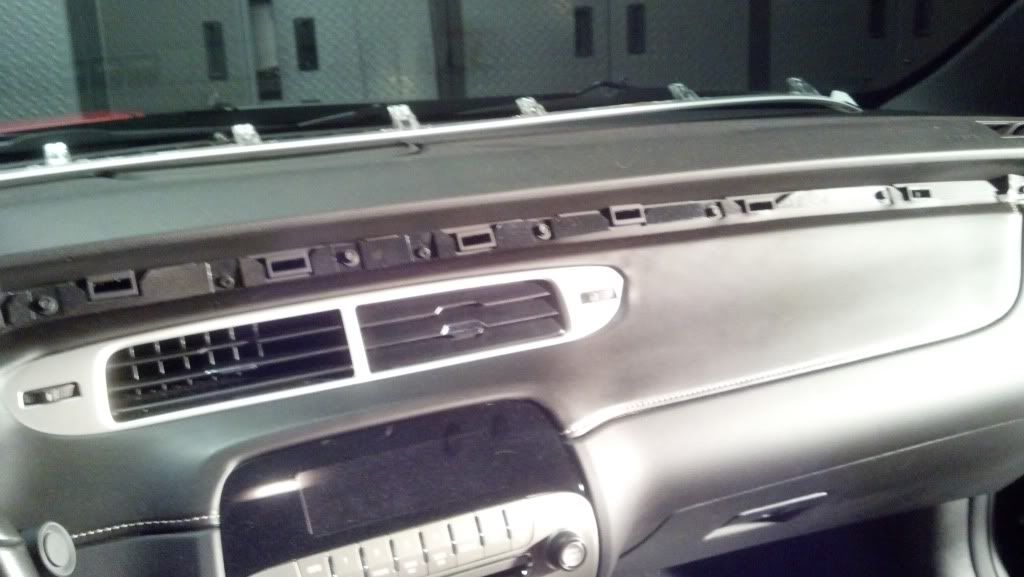
This is going to be a quick write up on how to install full Dash ABL.
I know there are several threads on this, I read them all. (some over 40 pages) here is the main one
http://www.camaro5.com/forums/showthread.php?t=40804
So my intent is to give all the important info within a short post.
but for reference these come in handy
http://www.gen5diy.com/image/data/PD...instsall-A.pdf
http://www.gen5diy.com/image/data/PD...instsall-B.pdf
Thanks goes out to:
Joe and everyone at NightOwl LEDs
Tony at SJM
Ofer at GEN 5 DIY
and TAG UR IT
I am starting with the Dash ABL
Parts used
1) SJM ABL dash pipe kit
1) NightOwl LP module
3) RGB LEDs
1) PNP 4pack harness
The LEDs and 4pack were made for me by a friend but can be purchased at GEN 5 DIY or SJM.
Prep the light pipes:
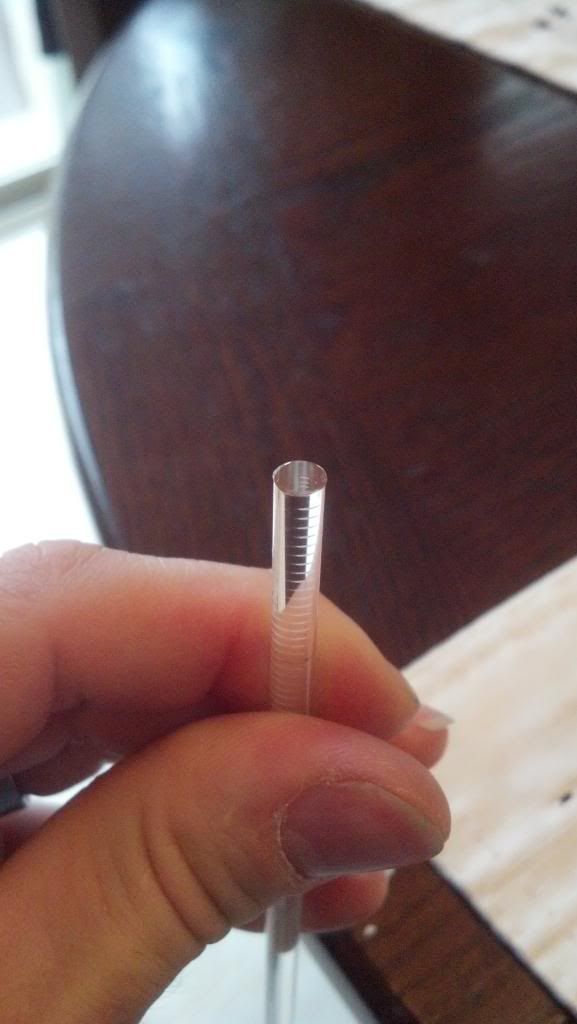
The ends of the pipes were slightly opaque, and since I wanted as much light to pass through as possible I polished the ends of the light pipes. This may or not be needed but I wanted the extra clarity.
I had some plast-x laying around so I put a q-tip in my cordless drill with some Plast-x on it and started polishing.
You can probably use other methods but this is what I had at the time

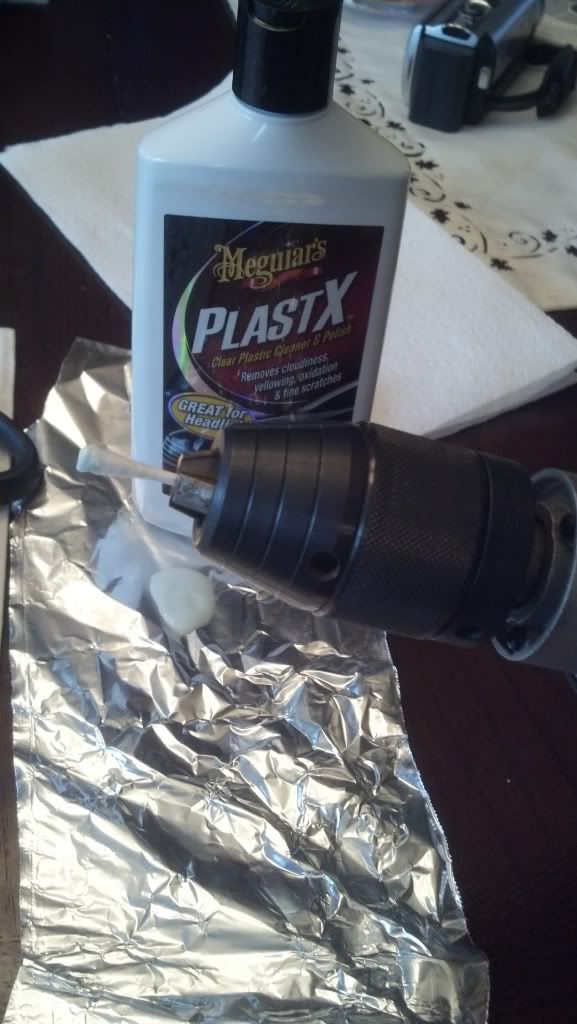
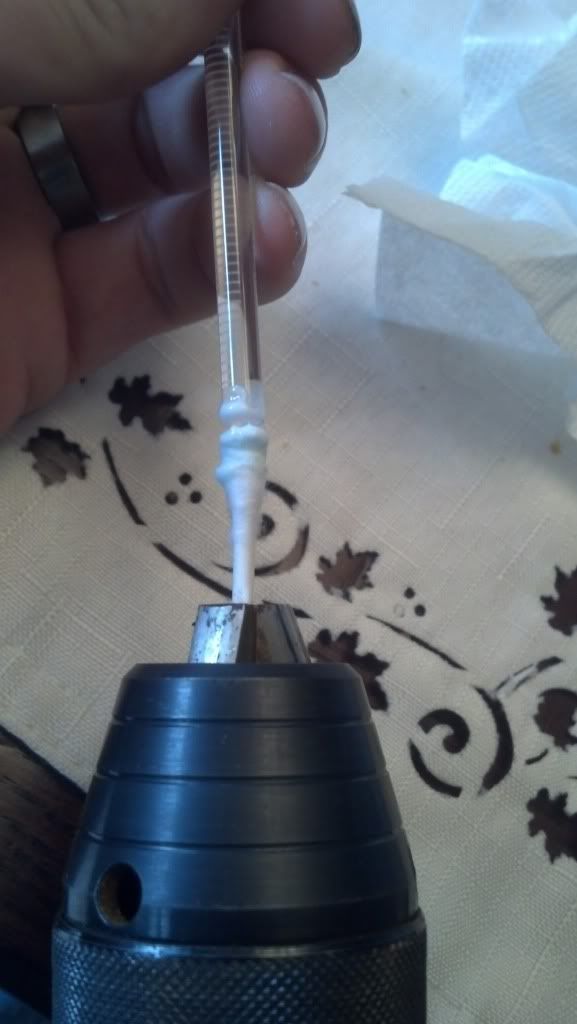
Before
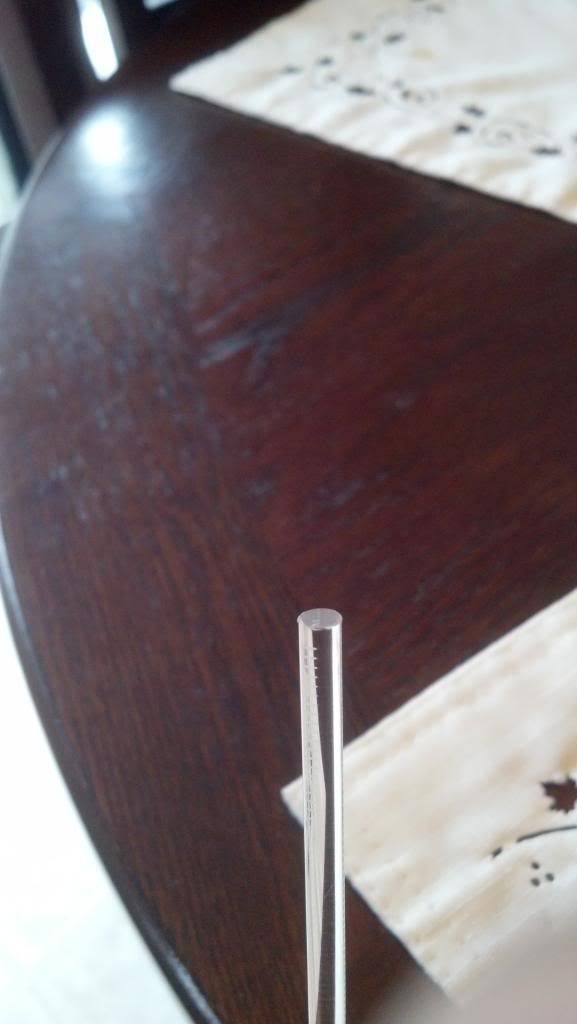
After
Remove side covers:
Next you will remove the side covers on both ends of the dash. If you have never done this it is very easy. Just pull on the bottom of the panel and then work your finger around the edge and it will pop right out.
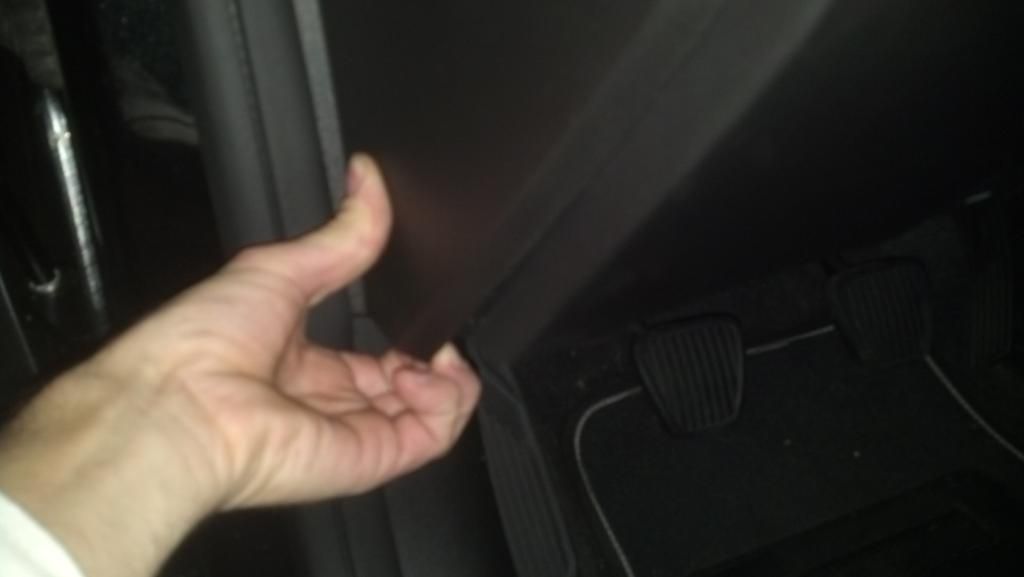
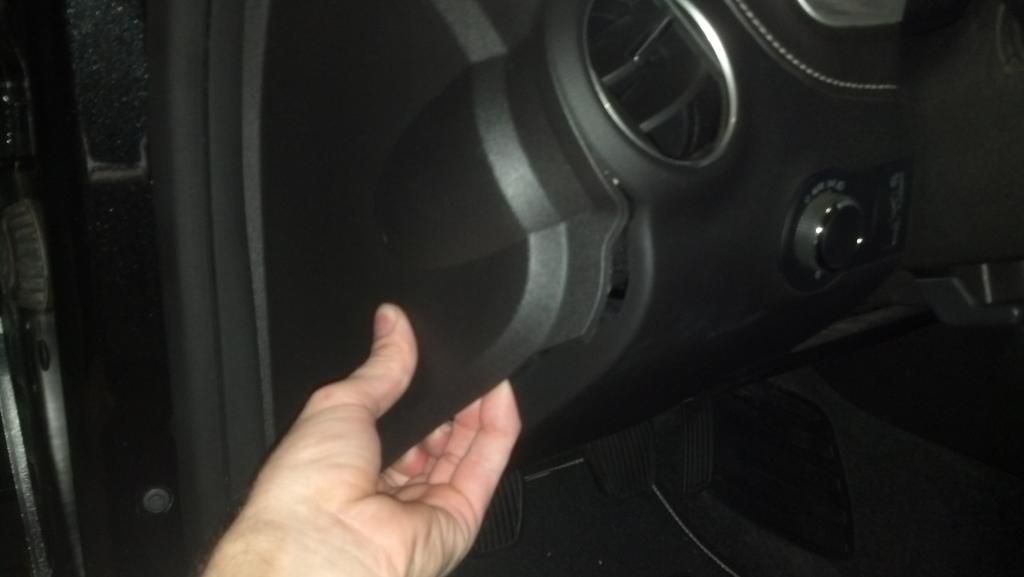
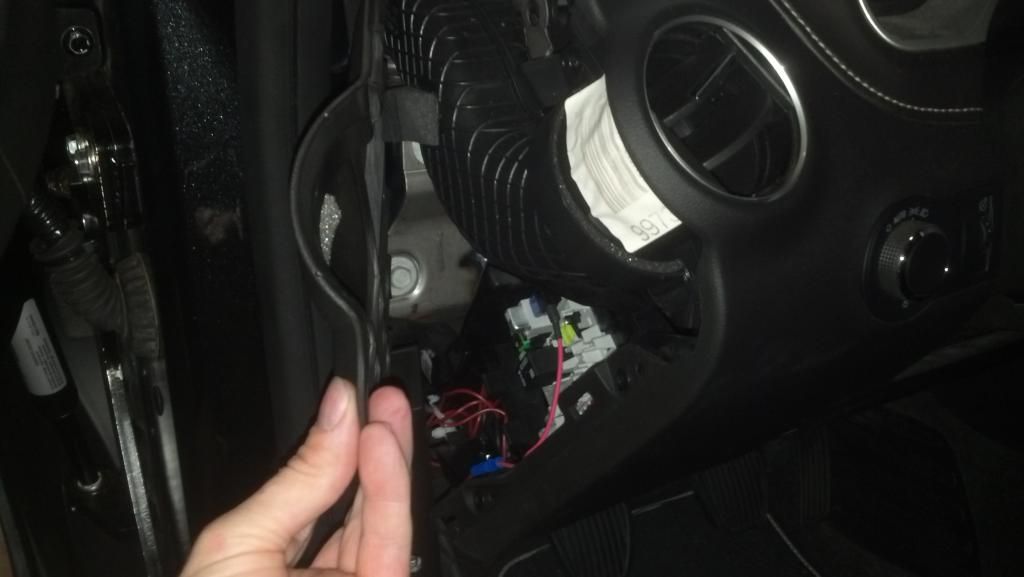
Remove steering column trim:
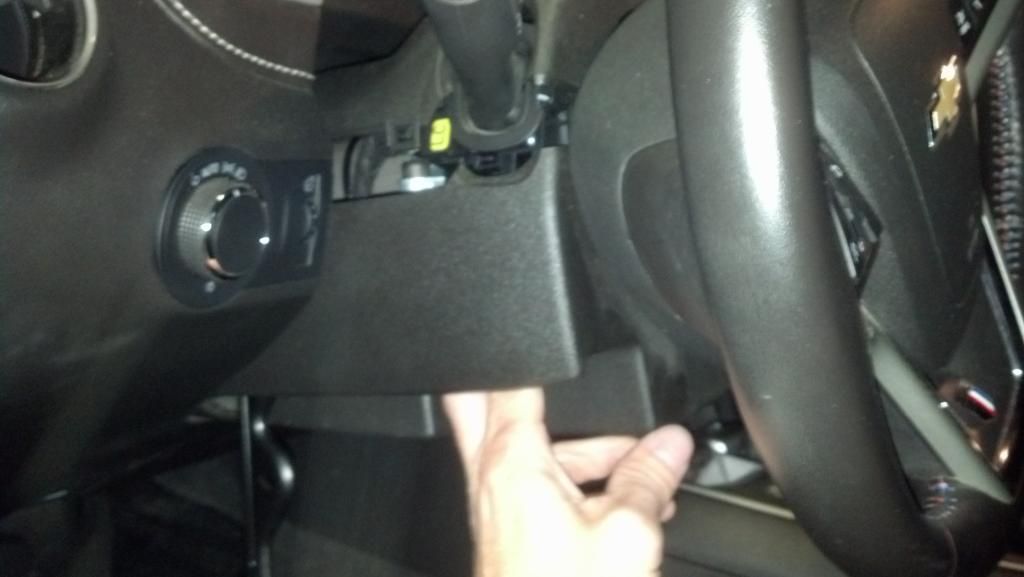
lower steering wheel and pull out with telescoping feature.
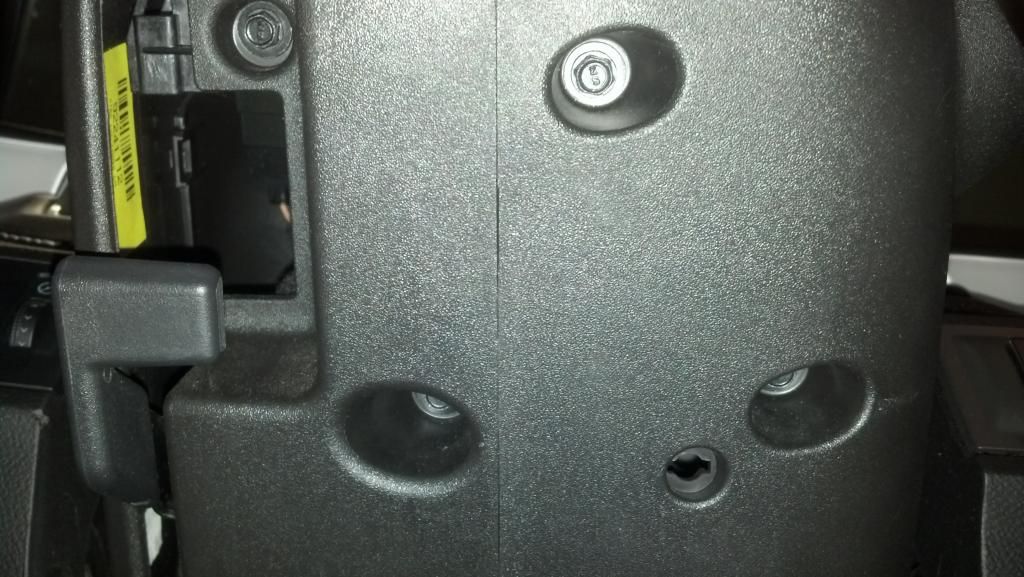
There are four 7mm screws on bottom of the cover. Unscrew these then pull down on left side where tilt lever opening is.
remove 2 bottom pieces of trim

Remove speedometer bezel:
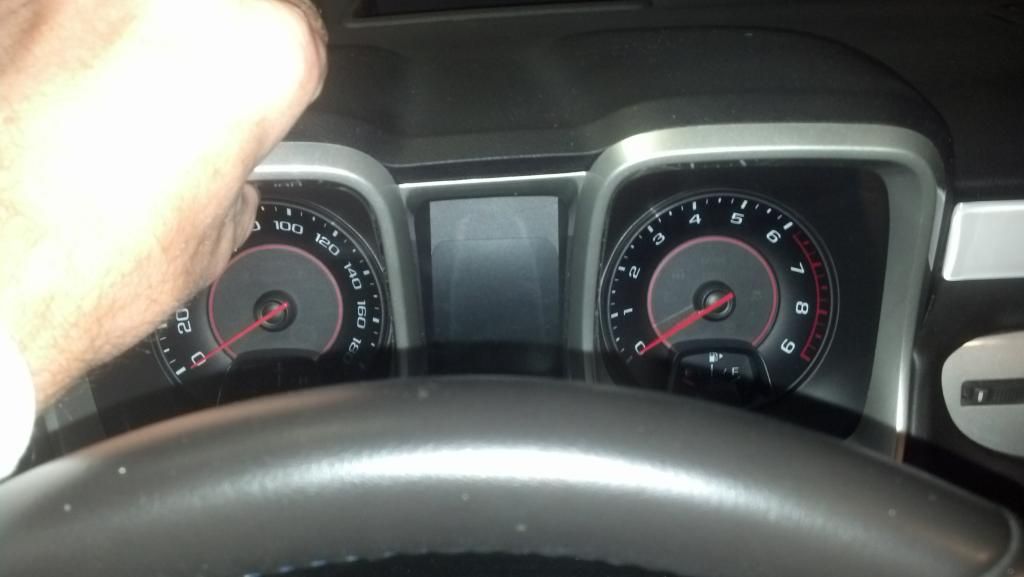
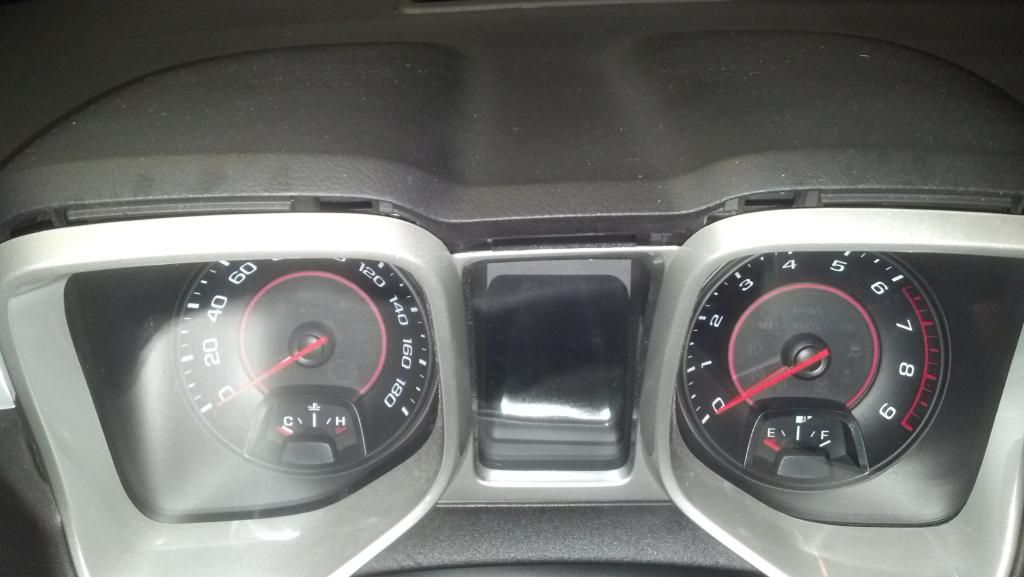
Grasp the very top of the bezel (the part over each gauge).
Pull top part out by about 1/4 inch.
Next pull out on sides about 1/4 inch.
Last pull up and out on the top of bezel gently, this will remove the bezel and top of steering column trim
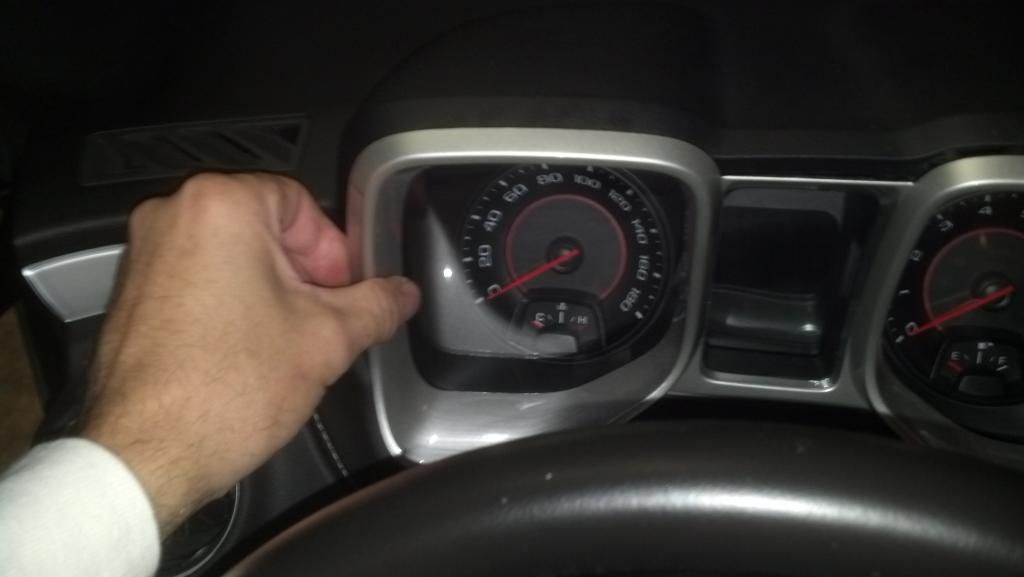
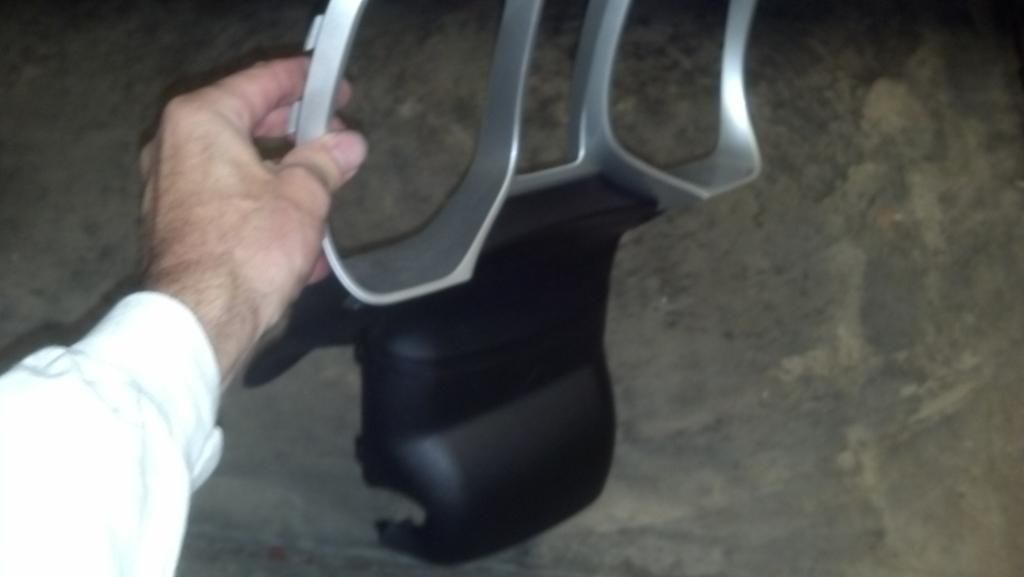
Remove speedometer cluster:
Remove the 4 t-15 torx screws, then pull out bottom of cluster and allow it to pop off of locator pins.
Next lift center part of dash up and pull cluster forward, pull out and rotate it then set on top of dash.
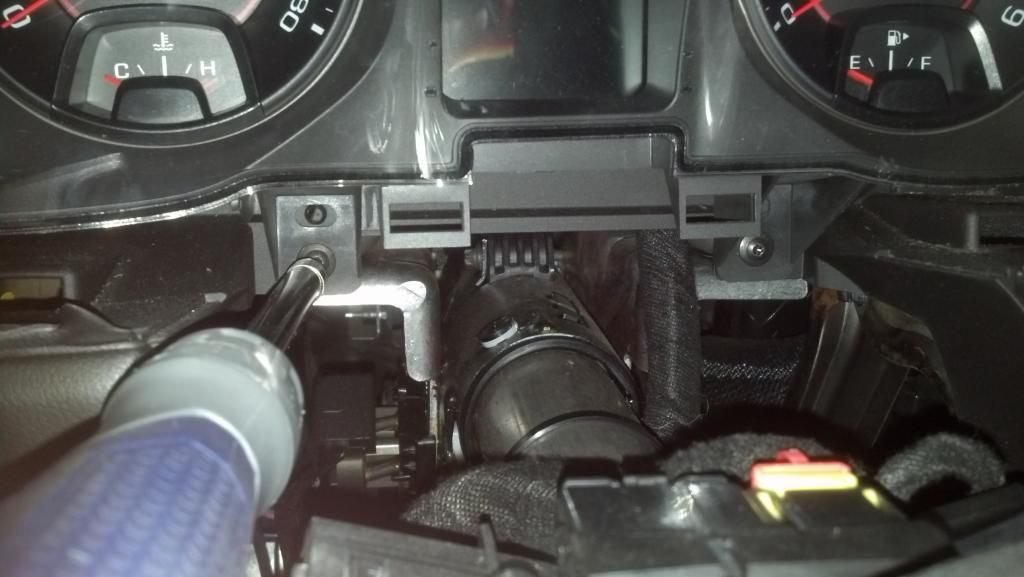
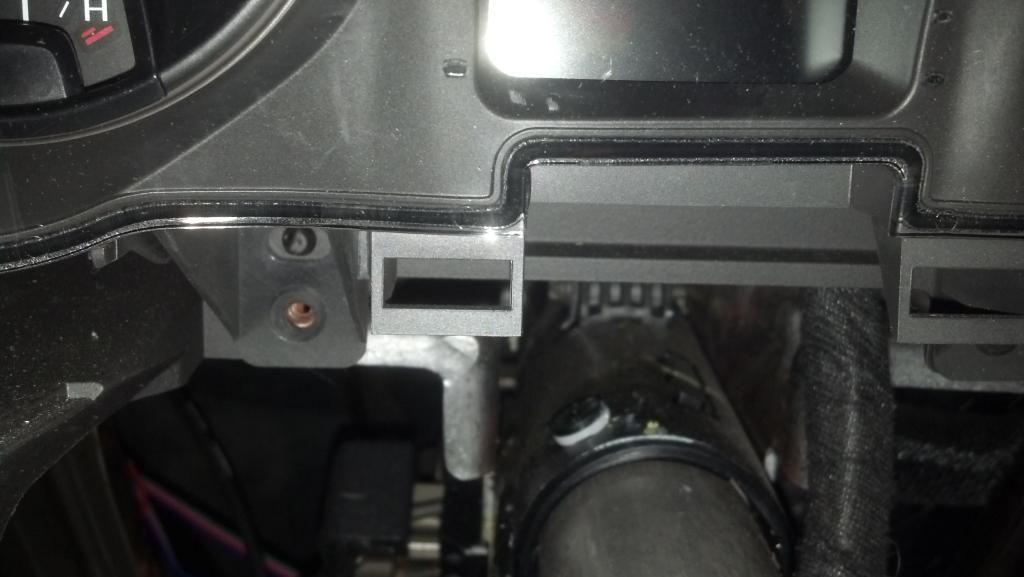
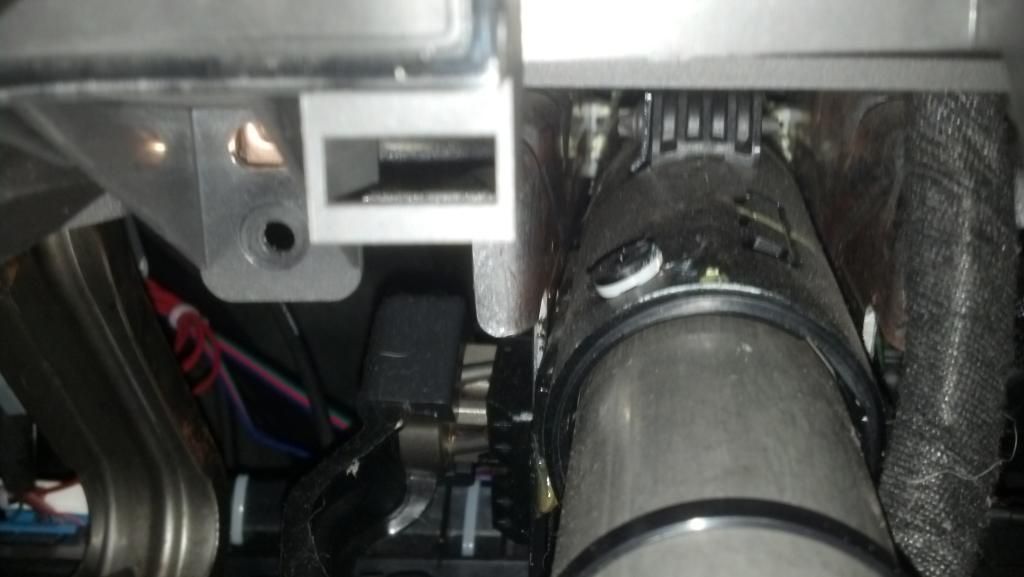

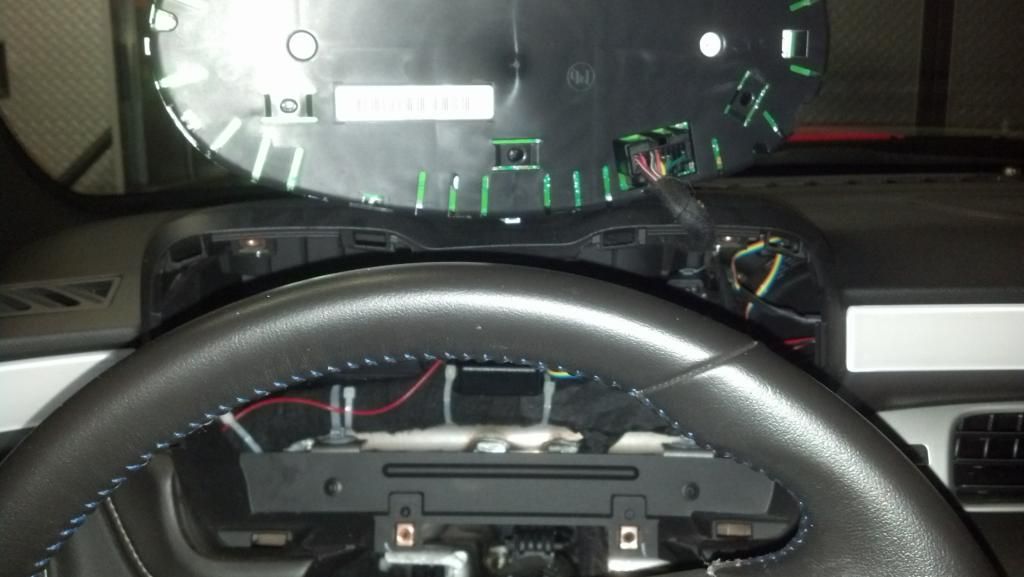
Remove appliques:
The small one is easy to remove while everything is out. There are 2 tabs holding it in place reach around the back and push these 2 tabs and it will pop right out.(push on both at the same time I couldn't because of holding the camera

)
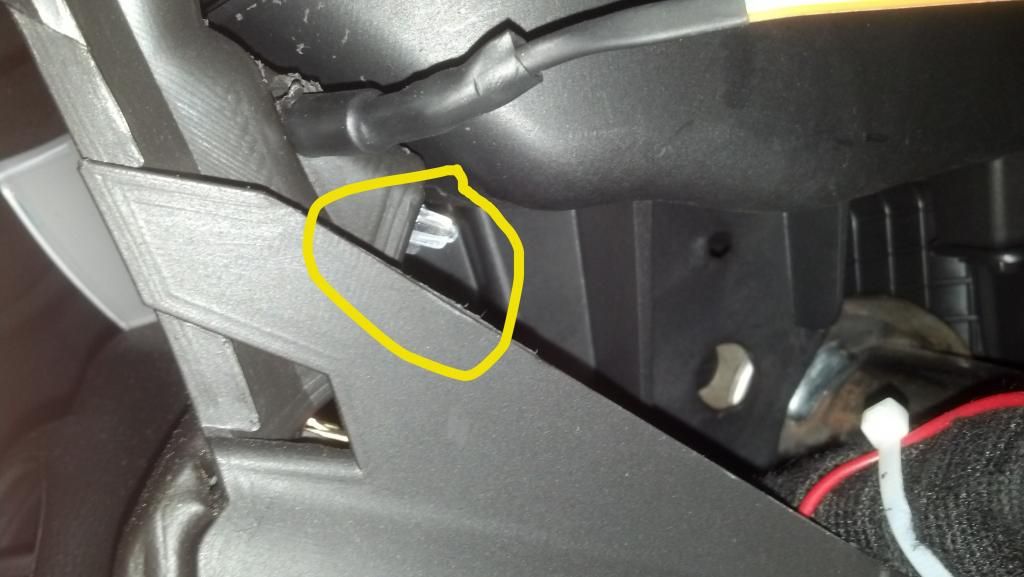
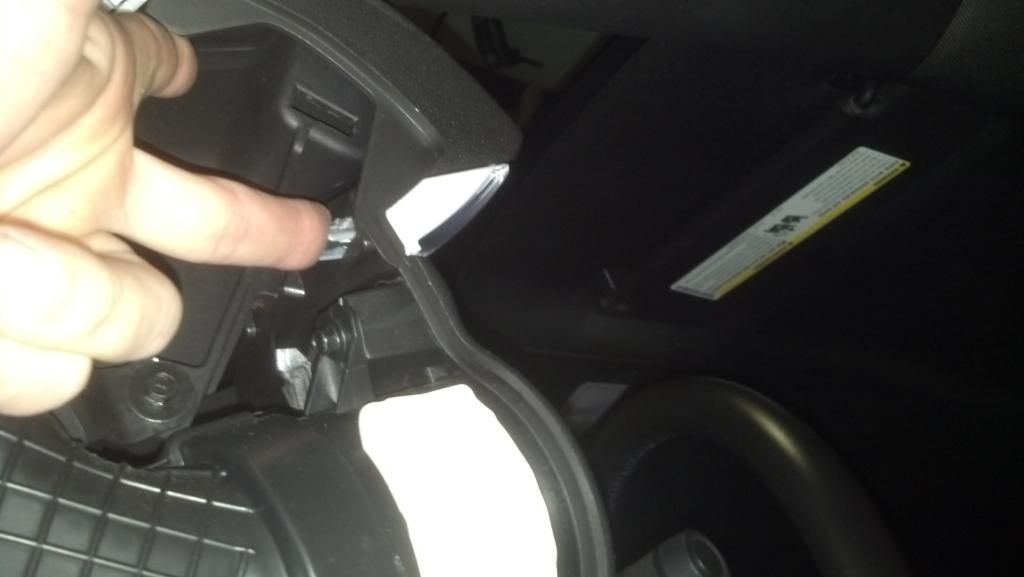
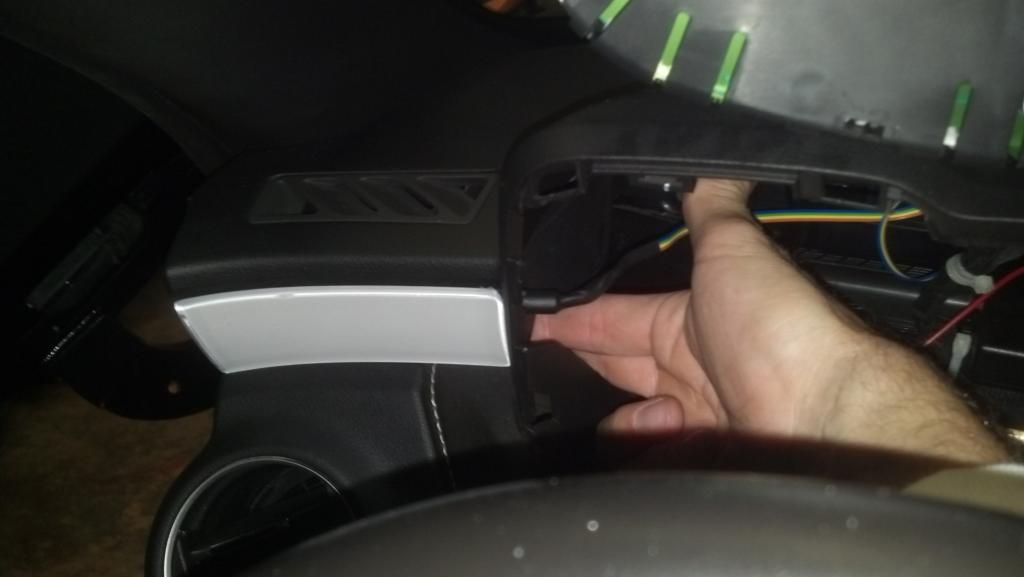
The larger one you can access the 2 end tabs but requires a trim removal tool for the rest of the tabs. here is link to TAG UR IT's video on removing
(mine was not this easy so I used a trim tool for the rest, be careful pulling off the dash applique it is held to the clips with a double sided tape)